DCAA
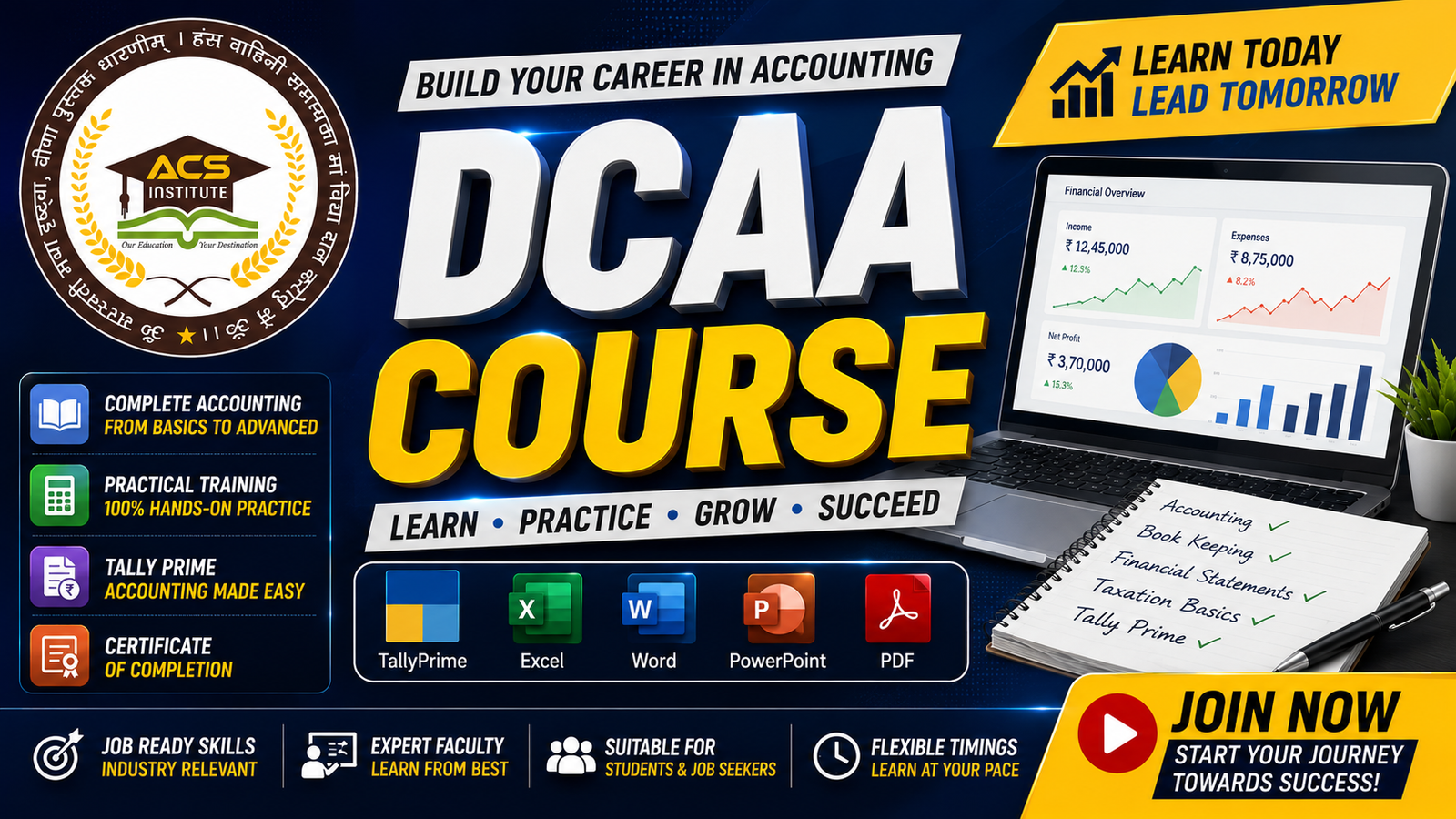
About Course
DCAA – Diploma in Computer Accounting & Applications
Master Computer Applications & Accounting with Our Complete DCAA Course! 💻📊
Build strong, practical, and career-oriented skills with our DCAA (Diploma in Computer Accounting & Applications) course. This comprehensive program is designed for students, beginners, job seekers, freshers, commerce students, accountants, office professionals, business owners, and anyone who wants to develop professional skills in Computer Applications, Accounting, Tally Prime, MS Office, GST, Excel, and Digital Tools.
The DCAA course combines computer knowledge with practical accounting skills, helping you understand both the technology used in modern offices and the accounting processes used in businesses. From basic computer concepts and MS Office to Tally Prime, GST, Advanced Excel, banking, inventory, payroll, and financial reports, you will learn everything step-by-step.
This course focuses on practical, real-world learning. You will practice accounting transactions, create professional documents, manage data, prepare reports, work with spreadsheets, handle GST transactions, and use accounting software confidently.
What You Will Learn
- Computer Fundamentals
- Windows Operating System
- Computer Hardware & Software
- File & Folder Management
- Microsoft Word
- Microsoft Excel
- Advanced Excel
- Microsoft PowerPoint
- Google Docs, Sheets & Slides
- Internet & Email
- Digital Tools & Productivity
- Introduction to Accounting
- Accounting Concepts & Principles
- Journal & Ledger
- Trial Balance
- Cash Book
- Bank Reconciliation
- Final Accounts
- Profit & Loss Account
- Balance Sheet
- Tally Prime
- Company Creation & Configuration
- Groups & Ledgers
- Voucher Entries
- Purchase & Sales Transactions
- Payment & Receipt Entries
- Contra & Journal Entries
- Purchase & Sales Orders
- Debit Note & Credit Note
- Inventory Management
- GST Configuration & Transactions
- GST Reports
- TDS Basics
- Payroll & Salary Management
- Financial Reports
- Receivables & Payables
- Practical Accounting Projects
- English Typing & Office Productivity
Practical Learning
You will work on real-world tasks and projects such as:
Professional Documents • Excel Reports • Advanced Excel Projects • Presentations • Accounting Entries • Tally Prime Transactions • GST Billing • Purchase & Sales • Inventory Management • Banking Transactions • Payroll • Financial Reports • Business Accounting Projects
Who Should Join This Course?
This course is ideal for:
- Students & Beginners
- Commerce Students
- B.Com Students & Graduates
- Job Seekers
- Freshers
- Accountants
- Tally Operators
- Office Professionals
- Business Owners
- Entrepreneurs
- Freelancers
- Anyone interested in Computer & Accounting
No advanced experience is required. The course starts from the basics and gradually takes you toward advanced computer applications and practical accounting skills.
Build Job-Ready Skills
After completing the DCAA course, you will have practical knowledge of Computer Applications, MS Office, Advanced Excel, Tally Prime, GST, Accounting, Banking, Inventory, Payroll, and Financial Reporting.
These skills can help you prepare for roles such as:
Computer Operator • Tally Operator • Accounts Assistant • Junior Accountant • Billing Executive • Accounts Executive • Office Assistant • Back Office Executive • Data Entry Operator
Course Includes
- Structured Video Lessons
- Downloadable PDF Notes
- Practical Assignments
- Chapter-wise Quizzes
- Tally Prime Practice Files
- Excel Practice Files
- GST Practice Materials
- Accounting Exercises
- Real-World Projects
- Downloadable Study Materials
- Practical Assessments
- Course Completion Certificate
- Student Support & Doubt Assistance
Why Choose Our DCAA Course?
Learn Computer Skills → Master Accounting → Practice Real Transactions → Build Job-Ready Skills
Our DCAA course is designed to provide a complete combination of computer applications and accounting skills in one professional program. Learn at your own pace through structured online lessons and practical training designed for today’s digital workplace.
🚀 Start Your Career with DCAA
Learn Computer Applications. Master Accounting. Build Your Future.
Enroll in our Complete DCAA Course and develop the practical skills you need to work confidently in modern offices, accounting departments, businesses, and professional environments.
What Will You Learn?
- By the end of this Complete DCAA Course, you will be able to:
- Understand computer fundamentals and basic computer operations.
- Work confidently with Windows Operating System and its essential tools.
- Manage files, folders, documents, and digital data efficiently.
- Create professional documents using Microsoft Word.
- Use Microsoft Excel for calculations, data entry, reports, and data management.
- Master Advanced Excel formulas, functions, charts, and data analysis.
- Create professional presentations using Microsoft PowerPoint.
- Work with Google Docs, Google Sheets, Google Slides, and Google Drive.
- Use the Internet, Email, and essential digital services confidently.
- Understand accounting concepts, principles, and basic financial transactions.
- Record Journal Entries, Ledger Accounts, and prepare Trial Balance.
- Prepare Cash Book, Bank Reconciliation, Profit & Loss Account, and Balance Sheet.
- Use Tally Prime for computerized accounting and business transactions.
- Create and manage companies, groups, ledgers, and stock items in Tally Prime.
- Record Purchase, Sales, Payment, Receipt, Contra, and Journal transactions.
- Manage Purchase Orders, Sales Orders, Debit Notes, and Credit Notes.
- Manage inventory, stock, receivables, and payables.
- Configure and record GST transactions in Tally Prime.
- Understand Input GST, Output GST, and GST Reports.
- Learn basic TDS, Payroll, and Salary Management.
- Generate and understand important financial and accounting reports.
- Improve English typing speed and accuracy.
- Complete practical computer and accounting projects.
- Apply computer and accounting skills confidently in real-world office environments.
- After Completing the Course
- You will gain practical knowledge of Computer Applications, MS Office, Advanced Excel, Tally Prime, Accounting, GST, Banking, Inventory, Payroll, and Financial Reporting, helping you develop strong job-ready skills for computer and accounting-related roles.
Course Content
Intro Of Computer
-
lesson 1
04:00
Student Ratings & Reviews